As an Amazon Associate we earn from qualifying purchases. Here’s how it works.
If there’s one thing that transforms a regular space into an “oh wow, this is so nice,” it’s smart home automations.
Not devices… automations.
That’s where everything you own suddenly talks to each other and your home starts acting like it actually “gets” you.
This guide breaks down 30 ready-to-use automations — organized from beginner-friendly to full-on luxury smart home. Every idea is completely plug-and-play, meaning you don’t need to be a tech genius to get started.
To keep things easy, we paired each section with actual Amazon products you can use to build these automations. Nothing complicated, nothing overwhelming.
🌟 BEGINNER AUTOMATIONS (Super Simple, Big Impact)
For the “I just want my house to do cool things without thinking too hard” crowd.
1. “Good Morning” Lamp On
A soft warm lamp turns on at sunrise, or whenever you choose.
Use: Philips Hue White Ambiance Lamp

2. Auto-Off Lamps at Night
Set bedside or living-room lamps to turn off automatically at midnight.
Use: Kasa Smart Plug Mini EP25

3. Entryway Light Trigger
As soon as your phone arrives home, your foyer light comes on.
Use: Philips Hue Bulb + Amazon Echo
4. Voice-Controlled Coffee Maker
Tell Alexa “turn on coffee,” and it just… happens.
Use: Hamilton Beach Works Coffee Maker

5. TV Backlighting Scene
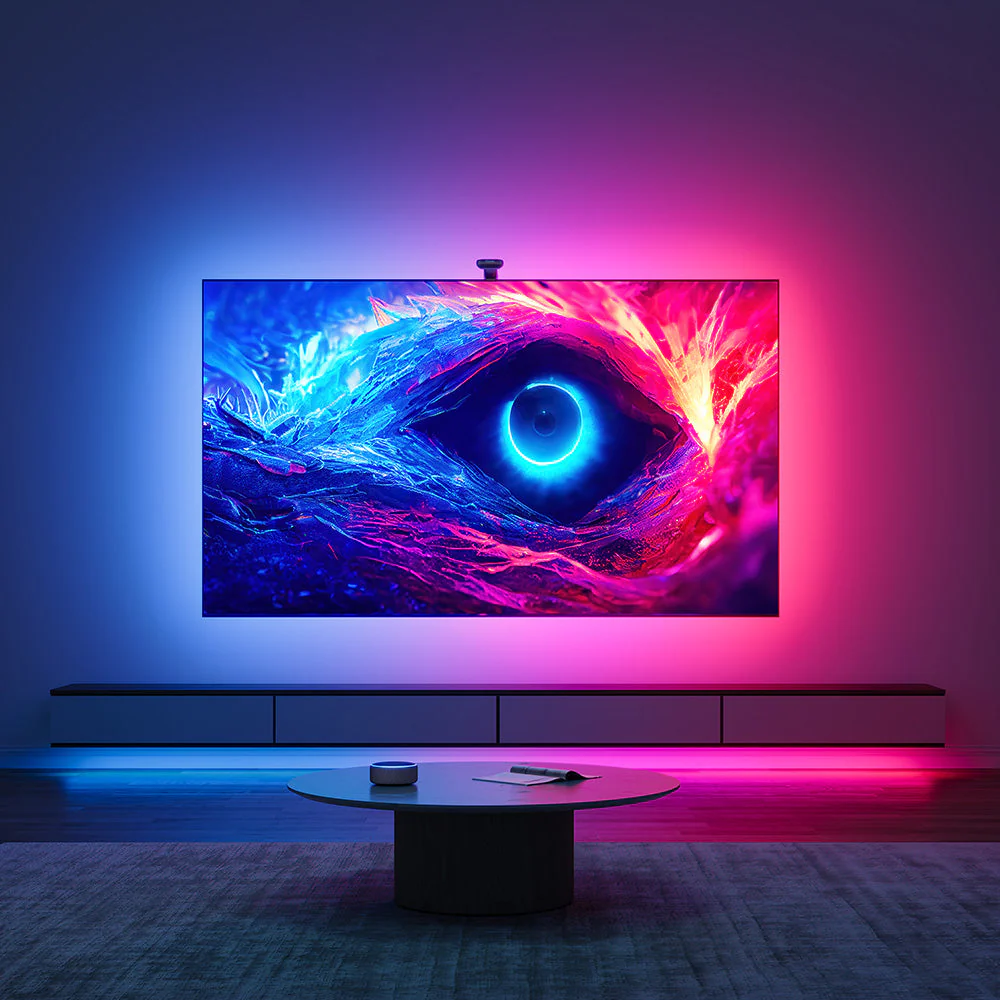
Automate a soft LED backlight for cozy movie nights.
Use: Govee RGBIC LED Strip Lights

6. Auto Bathroom Fan Timer
Fan runs for 10 minutes after you turn off the bathroom light.
Use: Kasa Smart Plug Mini
7. Leaving Home Power Saver
Automatically turns off lamps, fans, and plugs when your phone leaves home.
Use: Amazon Echo

8. Bedside Lamp Dimmer
Your lamp slowly dims over 20 minutes to help you fall asleep.
Use: Philips Hue White Ambiance A19
9. Auto-On Porch Light at Sunset
A classic automation that instantly makes your home feel thought-through.
Use: Philips Hue Outdoor Bulb
10. Nighttime Living Room Mode
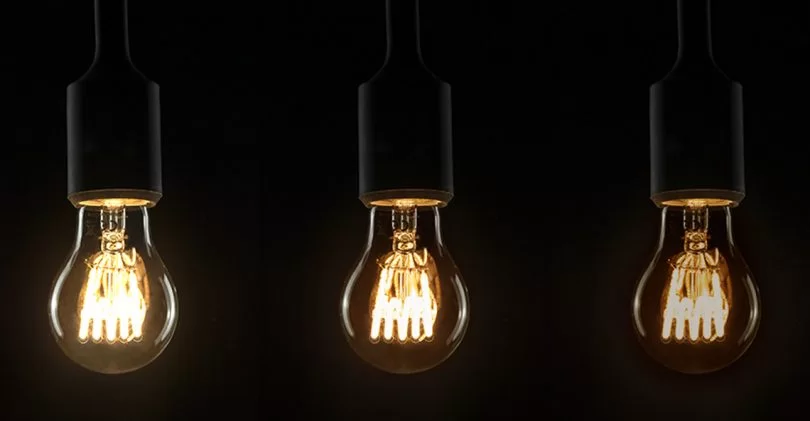
After 10 PM, lights drop to 20% for a wind-down vibe.
Use: Lutron Caseta Smart Dimmer Switch

⚡ INTERMEDIATE AUTOMATIONS (The “Glow-Up” Phase)
A step up from basic bulbs — motion sensors, thermostats, and multi-device routines.
11. Room Occupancy Lighting
Lights turn on when you walk in and off when you leave.
Use: Philips Hue Motion Sensor

12. “Wind Down” Home Mode
At 9 PM, lights dim, thermostat adjusts, and soft music plays.
Use: Philips Hue Bulbs + Google Nest Thermostat + Echo Show 8
13. Pet Camera Notification
Get an alert when your pet enters a restricted room.
Use: Blink Indoor Camera

14. Thermostat Eco Mode
Automatically switches to energy-saving mode when the house is empty.
Use: Google Nest Thermostat
15. Kitchen Task Lighting
Under-cabinet LEDs turn on when someone enters the kitchen.
Use: Govee Under Cabinet Lights
16. Whole-Home “Goodnight” Switch
One voice command turns off every light, locks the door, and adjusts temperature.
Use: Amazon Echo + Lutron Caseta Dimmer + Google Nest Thermostat
17. Auto Blinds for Heat Control
Blinds close during peak heat hours to naturally cool your home.
Use: SwitchBot Curtain 3 Robot

18. Gaming / Work Scene
Turns on desk LEDs, desk lamp, and a productivity playlist.
Use: Govee LED Light Bars + Philips Hue A19 + Echo Dot
19. Child Safety Notifications
Get alerts when doors, windows, or cabinets open unexpectedly.
Use: YoLink Door Sensors

20. Music That Follows You
Multi-room audio that plays where you are and pauses where you’re not.
Use: Amazon Echo Multi-Room System

🚀 ADVANCED AUTOMATIONS (Luxury-Hotel-Level Living)
The “I want my home to feel like a boutique hotel” category.
21. Sunrise Smart Curtains
Curtains slowly open in the morning for a gentle wake-up.
Use: SwitchBot Curtain 3 Robot
22. Adaptive Smart Lights
Lights change color temperature throughout the day for better circadian rhythm.
Use: Philips Hue White & Color Ambiance A19
23. Guest Mode
When guests arrive, entryway lights turn on, music starts, and the thermostat adjusts.
Use: Google Nest Thermostat + Echo Show 8 + Philips Hue Bulbs
24. Night Lighting Path
Soft hallway lights guide your steps automatically if you get up at night.
Use: Philips Hue Motion Sensor + Hue Lightstrips

25. Security + Lighting Integration
If outdoor cameras detect motion, pathway lights turn on.
Use: Blink Outdoor 4 Camera System + Philips Hue Outdoor Lights
26. Welcome Home Evening Scene
When you arrive after sunset, the house enters cozy mode automatically.
Use: Lutron Dimmer + Google Nest Thermostat + Echo Show 8 + Aromatherapy Diffuser on Kasa Smart Plug


27. Smart Leak Detection
Sensors detect leaks and automatically send alerts.
Use: YoLink Smart Water Leak Sensor
28. Movie Mode
One command closes curtains, turns off lamps, dims lights, and powers on the TV.
Use: SwitchBot Curtain 3 + Govee LED Bars + Philips Hue
29. Smart Energy Optimization
Run appliances during off-peak hours for lower bills.
Use: Kasa Smart Plug Mini EP25
30. Vacation Mode Simulation
Lights turn on/off randomly to make your home look lived-in while away.
Use: Philips Hue Bulbs
🌤 Why These Automations Actually Matter?
What people don’t realize is that smart home devices become 10 times more useful with automations.
This section naturally nudges the reader toward understanding:
- Smart curtains are an immediate luxury upgrade
- Smart bulbs alone aren’t enough
- Smart plugs unlock way more routines
- Sensors are what make your home feel “smart”
- Thermostats save actual money
- Speakers control everything
Related Post: Room-by-Room Smart Home Guide That Makes Your Home Feel Luxe
Frequently Asked Questions
- How many devices do I actually need to start a smart home?
Honestly… not many. A good smart plug, a couple of smart bulbs, and one smart speaker can create a ton of automations. The setup grows only when you want your home to start doing the “luxury hotel” things like adaptive lighting or smart curtains.
- Do I need a hub for these automations?
Most of the beginner automations don’t require a hub at all — devices like Kasa, Govee, and Echo work on Wi-Fi.
If you’re planning to use Philips Hue, that’s when the Hue Bridge becomes super helpful because it keeps everything reliable and lag-free. - Will all of these work with Alexa or Google Home?
Yes! Everything listed pairs perfectly with Alexa or Google.
The only time compatibility really matters is when mixing brands, but all of the Amazon products included in this post work smoothly across platforms. - Are smart home automations hard to set up?
Nope. Most routines are literally:
“IF this happens → THEN do this.”
Smart home apps walk you through it like you’re building a super simple Lego set. - Is my Wi-Fi strong enough for all these devices?
If your Wi-Fi struggles when multiple people are online, you might want a mesh system eventually. But for 10–20 smart devices? Regular Wi-Fi is usually totally fine.
- Do these automations raise electricity bills?
The wild thing is… most of them actually lower your bill.
Automations like auto-off lights, thermostat eco mode, and energy-optimized plug schedules help reduce energy waste. - Are smart curtains and smart blinds really worth it?
If you want your home to feel instantly luxurious, yes.
Smart curtains are one of those upgrades you don’t realize you needed until you wake up to sunlight gently pouring in without lifting a finger. - What if someone isn’t tech-savvy — will they still be able to use all this?
Absolutely. After automations are set up, everything runs on its own.
Plus, voice control makes it so easy that even guests understand it in 10 seconds. - What devices should I buy first?
Start with:
Kasa Smart Plug Mini EP25
Philips Hue White Ambiance Bulbs
Amazon Echo (5th Gen)
These three alone cover at least 15 of the automations in the post. - How many automations should I do at once?
Begin with 2–3 small ones (like porch lights, morning lamp, and coffee maker).
Once you get the hang of it, you’ll naturally start layering more. - Can I use these automations in a rented home?
Yes! Everything in the beginner + intermediate category is renter-friendly.
Nothing requires wiring or drilling — just plugs, bulbs, and sensors. - Will smart home devices still work if Wi-Fi goes out?
Some things (like Hue bulbs connected to a Hue Bridge) can still operate with manual switches. But automations that rely on the cloud or voice assistants will pause until the Wi-Fi is back.